Docs menu
Quickstart
End-to-end walkthrough: connect a git repo, deploy an app, and reach it at a *.primcloud.app URL in about five minutes.
On this page
In this quickstart you'll connect a git repo, deploy an app, and reach it at a *.primcloud.app URL. Takes about five minutes.
Before you start#
You'll need:
- A Primcloud account. Sign up at primcloud.com. Standard accounts are free to create. Compute is metered by the minute once you deploy something, from around $5/mo for the smallest app.
- A GitHub account with a repo you can deploy.
- A buildable repo. If you don't have one handy, fork a Heroku sample repo in your language. They're minimal apps that build cleanly on the Primcloud Runtime with no changes.
1. Connect GitHub#
From the dashboard, install the Primcloud GitHub App and grant it access to the repos you want to deploy. Pick specific repos or grant access to your whole account, the same choice GitHub asks on any app install.
Once installed, the app appears under Providers in your account settings, and every repo it can see shows up in the app-creation picker.
2. Create an application#
Hit Import Git Repository on the applications list. The import wizard walks you through three quick steps:
- Pick a repository from the ones you just granted access to.
- Configure the deployment:
- Branch: usually
master. Every push to this branch triggers a new deployment. - Region: where the app runs. Primcloud is currently in US East (NYC); more regions are on the roadmap.
- Branch: usually
- Verify the commit you're about to deploy, then hit Import.
Primcloud clones the repo, detects the language, and starts the first deployment.
3. Watch the first deployment#
You'll land straight on the deployment page and see the build log stream in real time. It goes through two phases:
- Build: the Primcloud Runtime detects your app's language, installs dependencies, compiles assets, and produces an image.
- Release: the image rolls out to your pods, one at a time. No traffic gets dropped during the swap.
Compute meters by the minute from minute one, at rates quoted per hour. See Plans for the details.
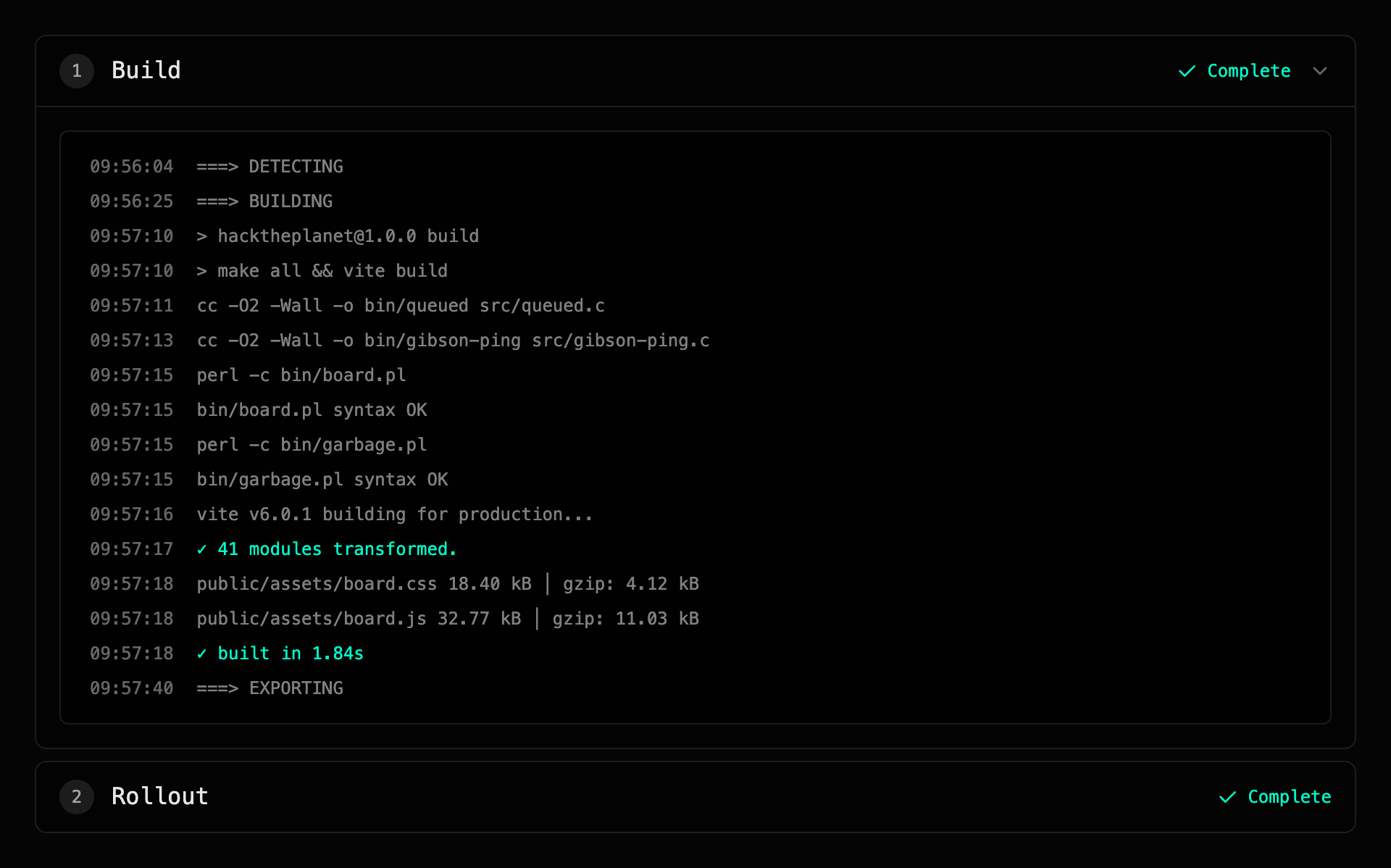
When the release completes, the deployment flips to Live.
4. Reach your app#
Every environment gets a *.primcloud.app subdomain assigned at creation. Once the deployment is live, the URL in the dashboard header is reachable. Click it, or paste it into a browser.
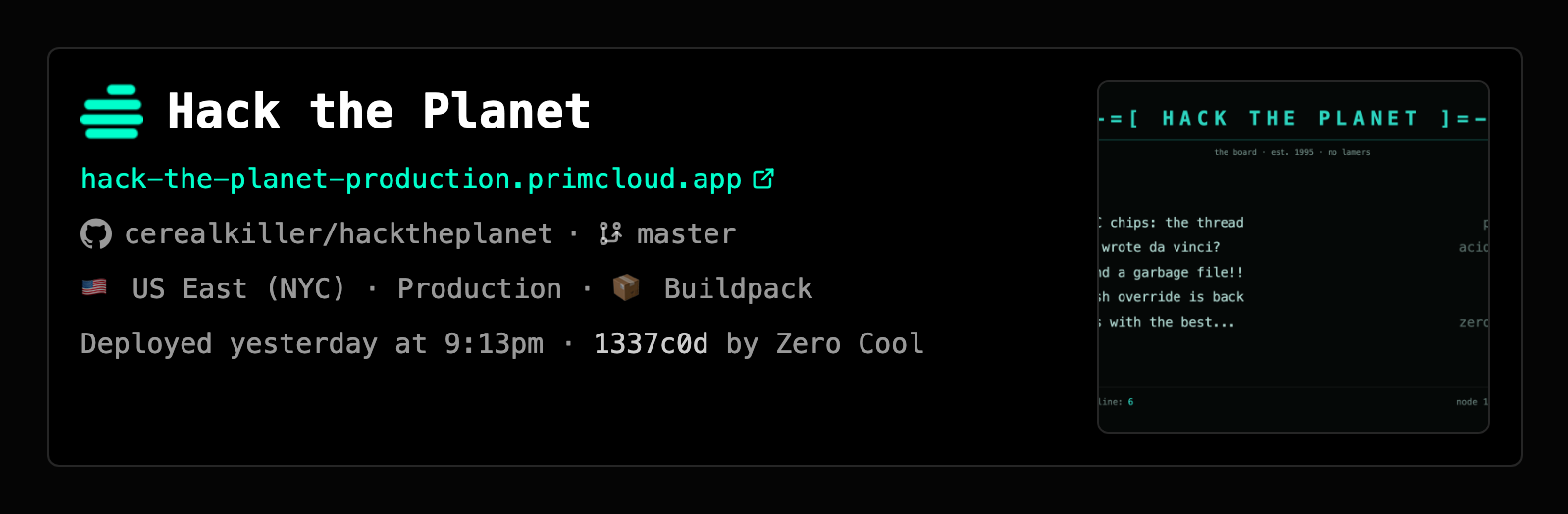
That's it. Your app is deployed.
Where to go next#
- Language-specific setup: the Language Support section has hands-on guides for each stack Primcloud recognizes.
- Point a custom domain at it: Domains.
- Learn how environments work: Environments.
- Understand what happens on every push: Deployments.