Docs menu
Tasks
A task is a one-off command run against a fresh copy of your app's current build, separate from long-running pod formations.
On this page
A task is a one-off command run against a fresh copy of your app's current build. Database migrations, a one-time backfill, db:seed, a cache clear, an ad-hoc script: anything you'd normally shell into a server to run once, you run here instead.
Tasks vs pod formations#
Pod Formations are long-running processes that Primcloud keeps up: web serving traffic, worker polling a queue. They start when the release rolls out and stay running until you tell them not to.
A task is the opposite: a short-lived, one-shot command. It spins up a fresh pod, runs the command, captures the output, and exits. There's no replica count and no "always on" state. The pod exists for the duration of the command and disappears when it's done.
Work that needs to keep running belongs in a worker process in your Procfile.
Running a task#
Give Primcloud a command and it runs it against your app's current build. The command runs in the same environment your app runs in, with your secrets set as real environment variables in the process. php artisan migrate --force, rails db:analyze, node ./scripts/backfill.js, bin/cleanup.sh, or whatever else your app understands.
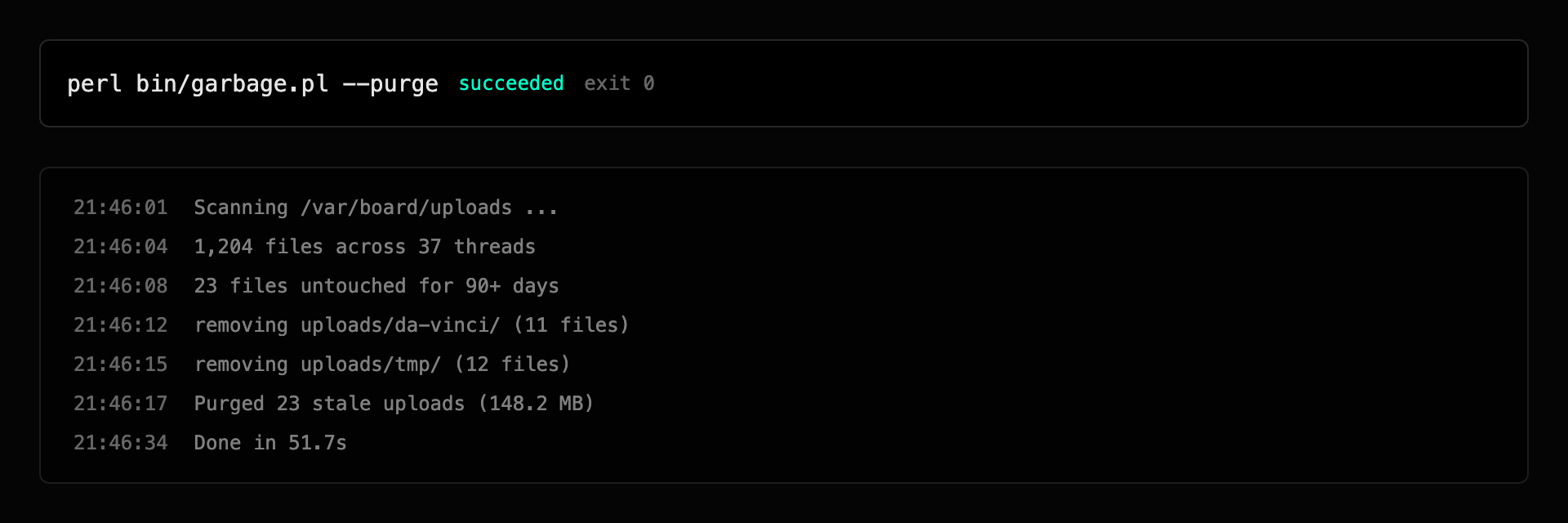
The run starts in a pending state, moves to running once the pod is up, and finishes as succeeded or failed depending on the command's exit code. A zero exit is a success, anything else is a failure.
A run still going after its plan's time limit (20 minutes on Standard, 45 on Pro, 60 on Team) is stopped and shown as stopped at the time limit. It's billed only for the time it ran.
A task needs a build to run against, so an environment can run one once it has had a successful deployment. Until then the overview offers no command to run.
Running a task requires an active account. If you're past-due or suspended, starting a task is blocked until the outstanding invoice clears. See Past-due & Suspension.
Where a task runs#
A task runs in the same region as your app, on a fresh pod built from the same image as your current web deployment. It gets the same secrets your app runs with, so a command behaves exactly as it would inside a running pod.
The pod is created for the single command and torn down as soon as the command exits. Nothing about the run persists except its record and its logs.
Logs#
A task streams its output live while it runs, and the full output is kept afterward. Each run's logs are scoped to that run, so you're always looking at the output of one command rather than a mixed stream. See Logs for how log retention works.